[linux telnet(ssh) 창에서 MSDOS emulation 에뮬레이션 Install dosemu2 dos emulator in Ubuntu and Ubuntu based distributions

Install dosemu2 dos emulator in Ubuntu and Ubuntu based distributions


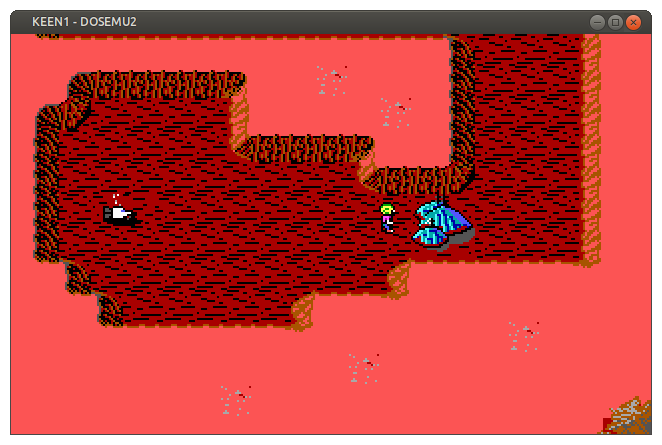
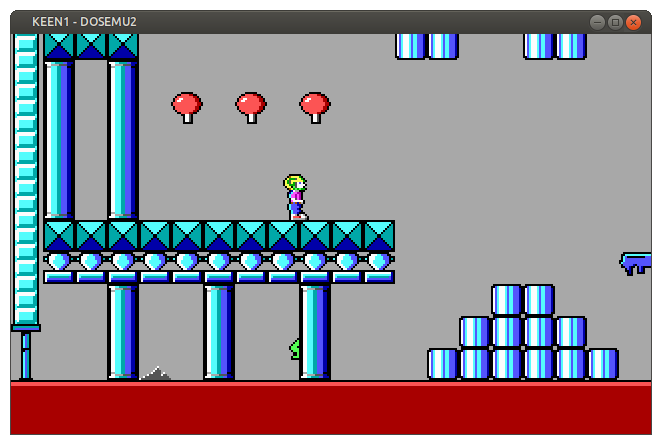
dosbox is the most popular emulator for running old dos applications and games, however I recently discovered doseemu2 which is another dos emulator available in Ubuntu and Ubuntu based distributions.

To install dosemu2 you need to add a new repository, to do this enter the following command in the terminal

sudo add-apt-repository ppa:dosemu2/ppa


Then install dosemu2 with the following command

sudo apt-get install dosemu2


Once installed dosemu2 can be launched from the terminal using the following command, or from the applications menu in your distribution
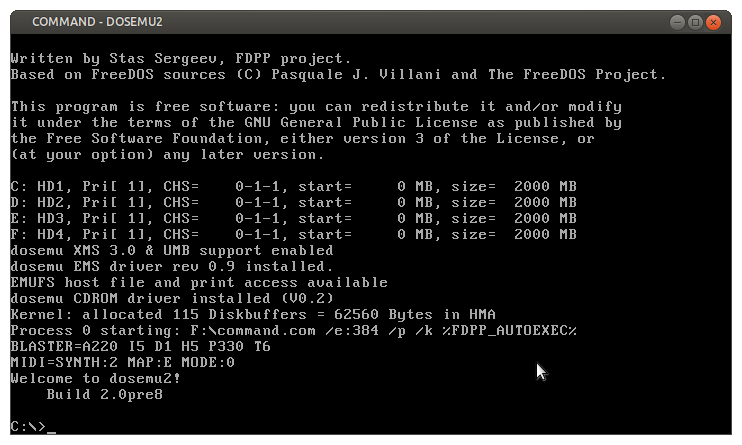
dosemu


1.png


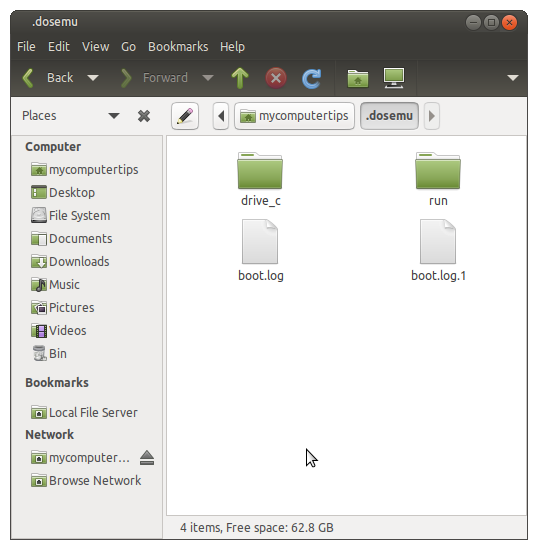
dosemu2 will create a new folder in your home directory .dosemu
This is a hidden folder, so in your file manager select view hidden files.
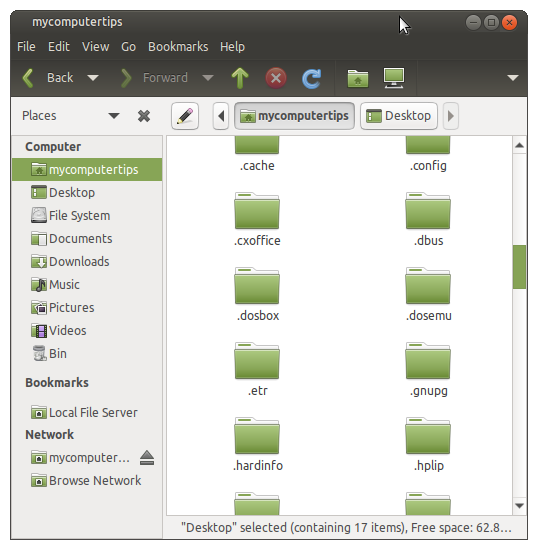
2.png


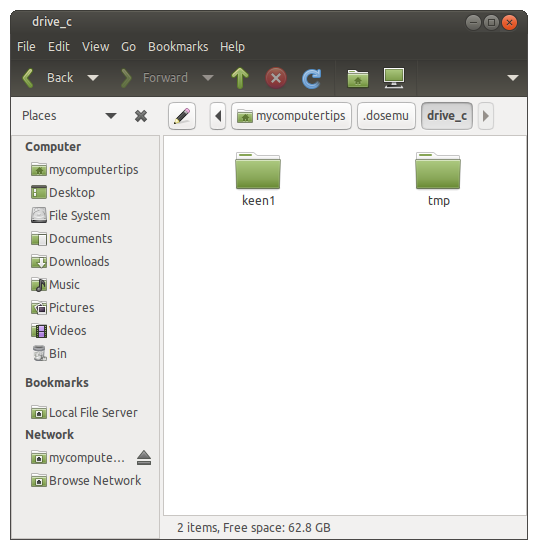
Inside the .dosemu folder you will see the drive_c folder, this is where you need to copy your application or game files.
3.png


4.png


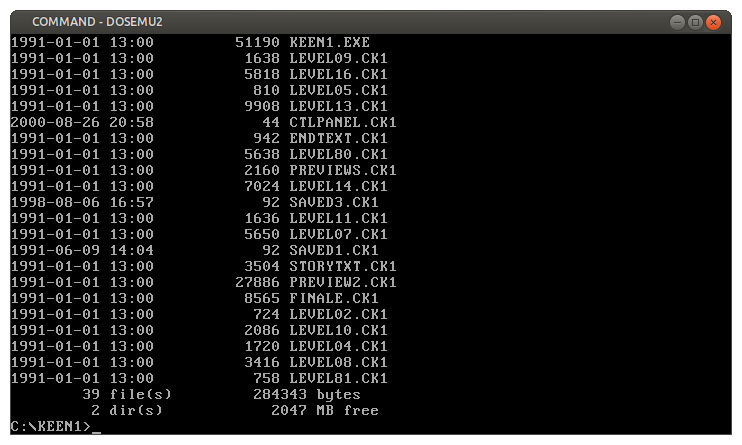
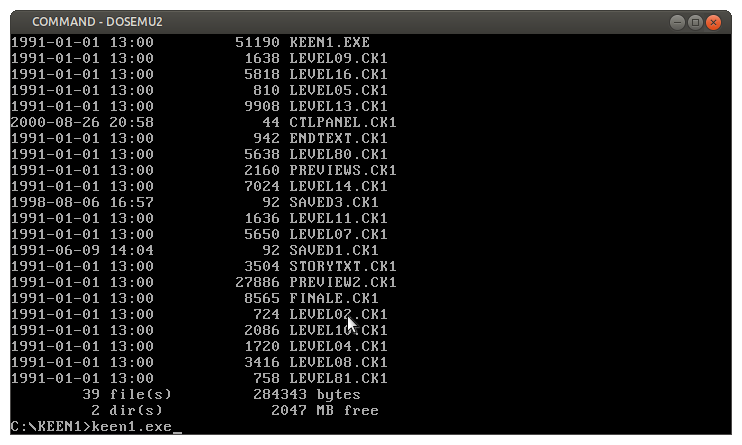
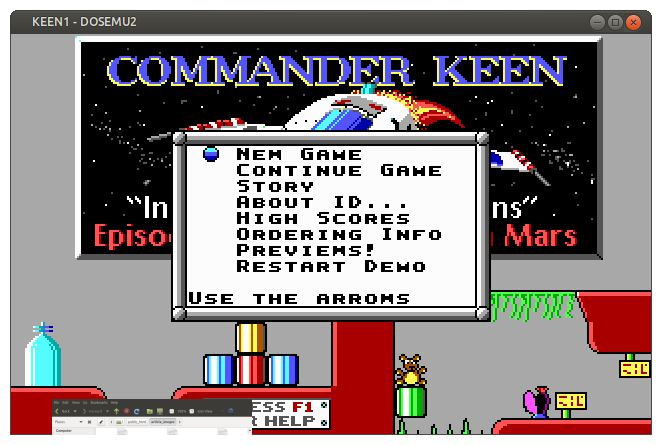
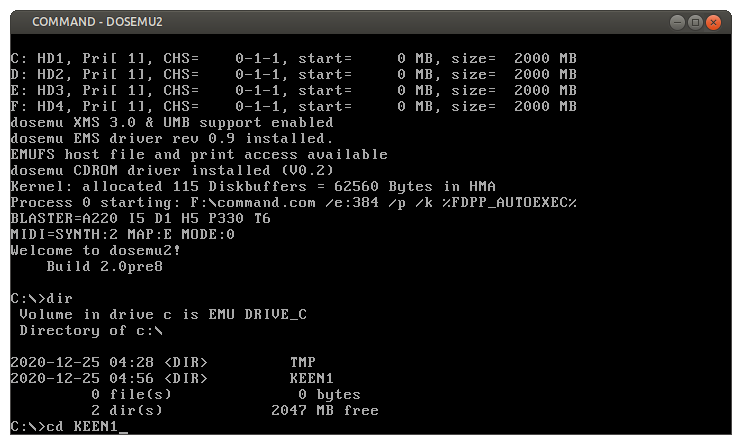
Once you have copied over your files, go back to the terminal. Ensure dosemu is running and issue the dir command to list the folders and files in drive_c. Then cd in to the directory of application or game you would like to run and launch it.
5.png


6.png


경축! 아무것도 안하여 에스천사게임즈가 새로운 모습으로 재오픈 하였습니다.
어린이용이며, 설치가 필요없는 브라우저 게임입니다.
https://s1004games.com


7.png


8.png


9.png


10.png


To launch dosemu in fullscreen enter the following command

dosemu -w


For all dosemu options, open the terminal and enter the following command

dosemu --help


So far I have not experienced any issues using dosemu. It is much easier to setup than dosbox for beginners, as you don't need to edit any configuration files to mount C: drive.


[출처] https://www.mycomputertips.co.uk/238


본 웹사이트는 광고를 포함하고 있습니다.
광고 클릭에서 발생하는 수익금은 모두 웹사이트 서버의 유지 및 관리, 그리고 기술 콘텐츠 향상을 위해 쓰여집니다.
번호 제목 글쓴이 날짜 조회 수
294 [linux master][리눅스 마스터][국가기술자격] 리눅스 기초 명령어 : 도움말 보기 -man, info, help file 졸리운_곰 2025.02.18 215
293 [linux master][리눅스 마스터][국가기술자격] 우분투에서 NTFS 를 Read/Write로 마운트 (듀얼 부팅 화일 공유) file 졸리운_곰 2024.12.22 277
292 [linux master] 커맨드 라인에서 display 문제로 gui 프로그램이 열리지 않을 때, 졸리운_곰 2024.12.22 338
291 [linux master][리눅스 마스터][국가기술자격] VirtualBox ubuntu ↔ 윈도우 공유 폴더 설정 file 졸리운_곰 2024.12.20 293
290 [WSL2] 외부에서 WSL2 접속하기 (feat. 포트포워딩) file 졸리운_곰 2024.12.01 306
289 [linux master][리눅스 마스터][국가기술자격] How to fix sudo after "chmod -R 777 /usr/bin"? /usr/bin/sudo must be owned by uid 0 and have the setuid bit set 졸리운_곰 2024.09.23 754
288 [docker] [Docker] 도커 이미지와 컨테이너 삭제 방법 졸리운_곰 2024.08.20 350
287 [linux master][리눅스 마스터][국가기술자격] [리눅스/find] 파일찾기 - 허가 거부 제외하고 결과물 출력하기 file 졸리운_곰 2024.07.21 326
286 [C/C++ 일반] XOR 연산을 이용한 암호화, 복호화 졸리운_곰 2024.03.11 409
285 [linux master][리눅스 마스터][국가기술자격] [리눅스] socat 명령어(proxy) file 졸리운_곰 2024.02.28 343
284 [linux master][리눅스 마스터][국가기술자격] [리눅스] Linux nc 명령어는 무엇이고 어떻게 쓰는 가? 졸리운_곰 2024.02.28 345
283 [linux master][리눅스 마스터][국가기술자격] [리눅스] AWK 명령어 사용법과 여러가지 실용적인 예제 모음 file 졸리운_곰 2024.02.02 300
282 [linux master][리눅스 마스터][국가기술자격] [vi 명령어] vi 명령어 정리 file 졸리운_곰 2024.02.02 283
» [linux telnet(ssh) 창에서 MSDOS emulation 에뮬레이션 Install dosemu2 dos emulator in Ubuntu and Ubuntu based distributions file 졸리운_곰 2024.01.05 289
280 [C/C++] Window 비주얼 스튜디오 포코(POCO) 라이브러리 적용 졸리운_곰 2023.12.05 263
279 [C/C++] C++ 프로그래밍에 요긴한 라이브러리 7종 file 졸리운_곰 2023.12.04 340
278 [C/C++ 인공지능] Artificial Neural Network C++ Class : 인공신경망 C++ 클래스 file 졸리운_곰 2023.11.25 308
277 [linux master][리눅스 마스터][국가기술자격] [Azure] Linux(ubuntu) 우분투 서버 GUI 환경으로 원격 접속하기 - feat. Ubuntu-desktop file 졸리운_곰 2023.11.22 334
276 [linux master][리눅스 마스터][국가기술자격] [Linux] vim(vi) editor 한글 입력시 깨짐 해결방법 file 졸리운_곰 2023.11.22 337
275 [C/C++ 인공지능] Visual Studio 2019에서 LibTorch 사용하기 file 졸리운_곰 2023.11.20 392
대표 김성준 주소 : 경기 용인 분당수지 U타워 등록번호 : 142-07-27414
통신판매업 신고 : 제2012-용인수지-0185호 출판업 신고 : 수지구청 제 123호 개인정보보호최고책임자 : 김성준 sjkim70@stechstar.com
대표전화 : 010-4589-2193 [fax] 02-6280-1294 COPYRIGHT(C) stechstar.com ALL RIGHTS RESERVED