Want to connect to Ubuntu desktop from your Windows 10 machine via remote desktop connection? Well, it’s possible with xrdp opensource tool..
In most cases, VNC server and other opensource remote connection tools are the only options available to Linux users… You don’t see tool supporting Microsoft Remote Desktop Connction (RDP) protocols to connect to Linux desktop… The only tool that gets this done is xrdp..
xrdp is an open source remote desktop protocol server which uses RDP to present a GUI to the client. It provides a fully functional Linux terminal server, capable of accepting connections from rdesktop, freerdp, and Microsoft’s own terminal server / remote desktop clients.
This brief tutorial is going to show students and new users how to using Windows own remote desktop connection protocol to connect to Ubuntu 16.04 / 17.10 and 18.04 desktops
When you’re ready, follow the steps below to get it working…
Step 1: Install Xrdp Server
To get Ubuntu desktop accepting RDP connections, you must first install and enable Xrdp tool… to do that, run the commands below
sudo apt install xrdp
sudo systemctl enable xrdp
After running the commands below, logout or reboot your desktop.
Step 2: Connect From Windows 10
Now that Xrdp server is installed, go and open Windows Remote Desktop Connection app and connect to the server IP or hostname…
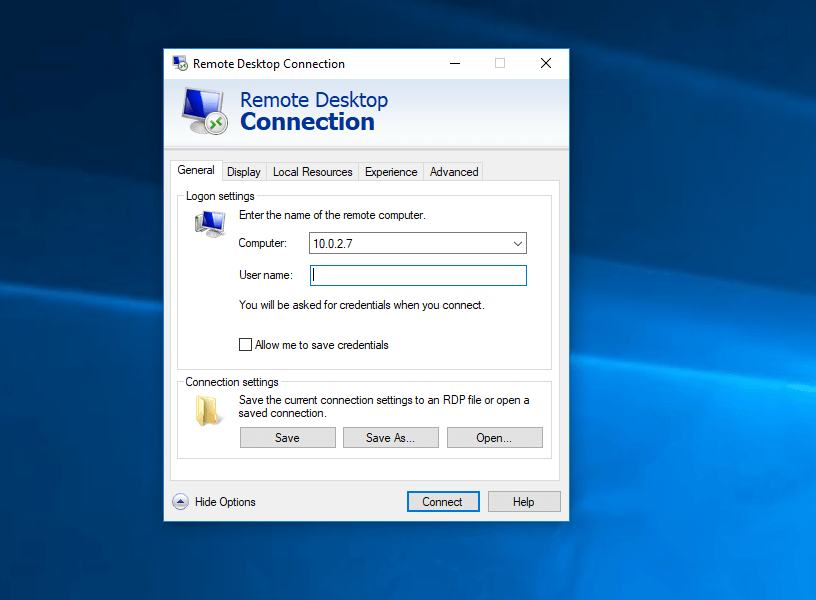
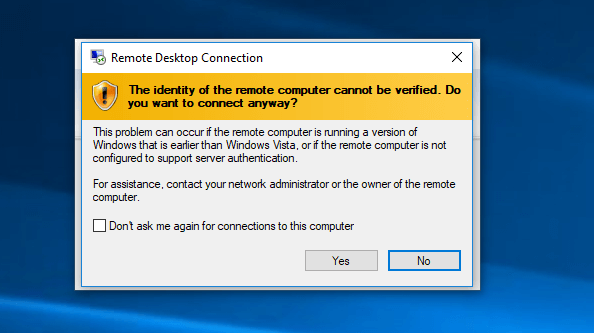
Then click Connect to initiate the connection to Xrdp… you should be warned about Windows not trusting the computer you’re conneting to… Accept and continue to connect anyway..
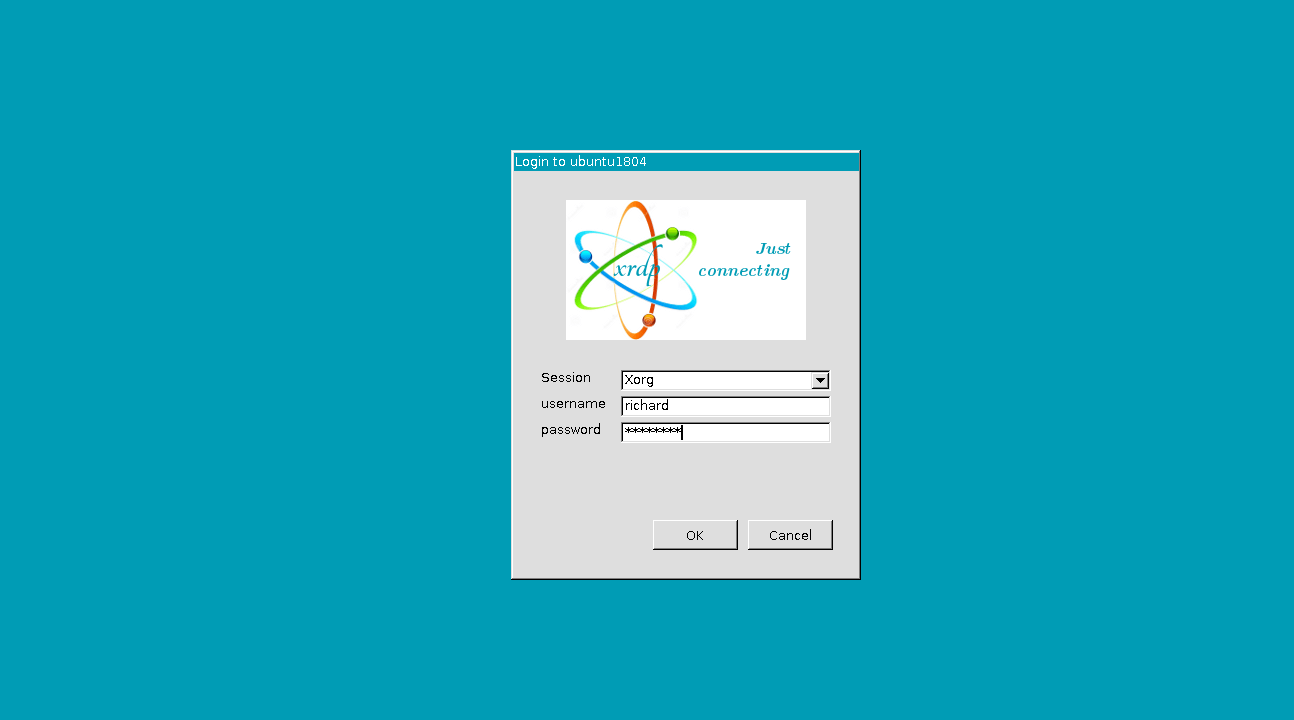
Next, type in your Ubuntu machine account username and password and connect using Xorg session…
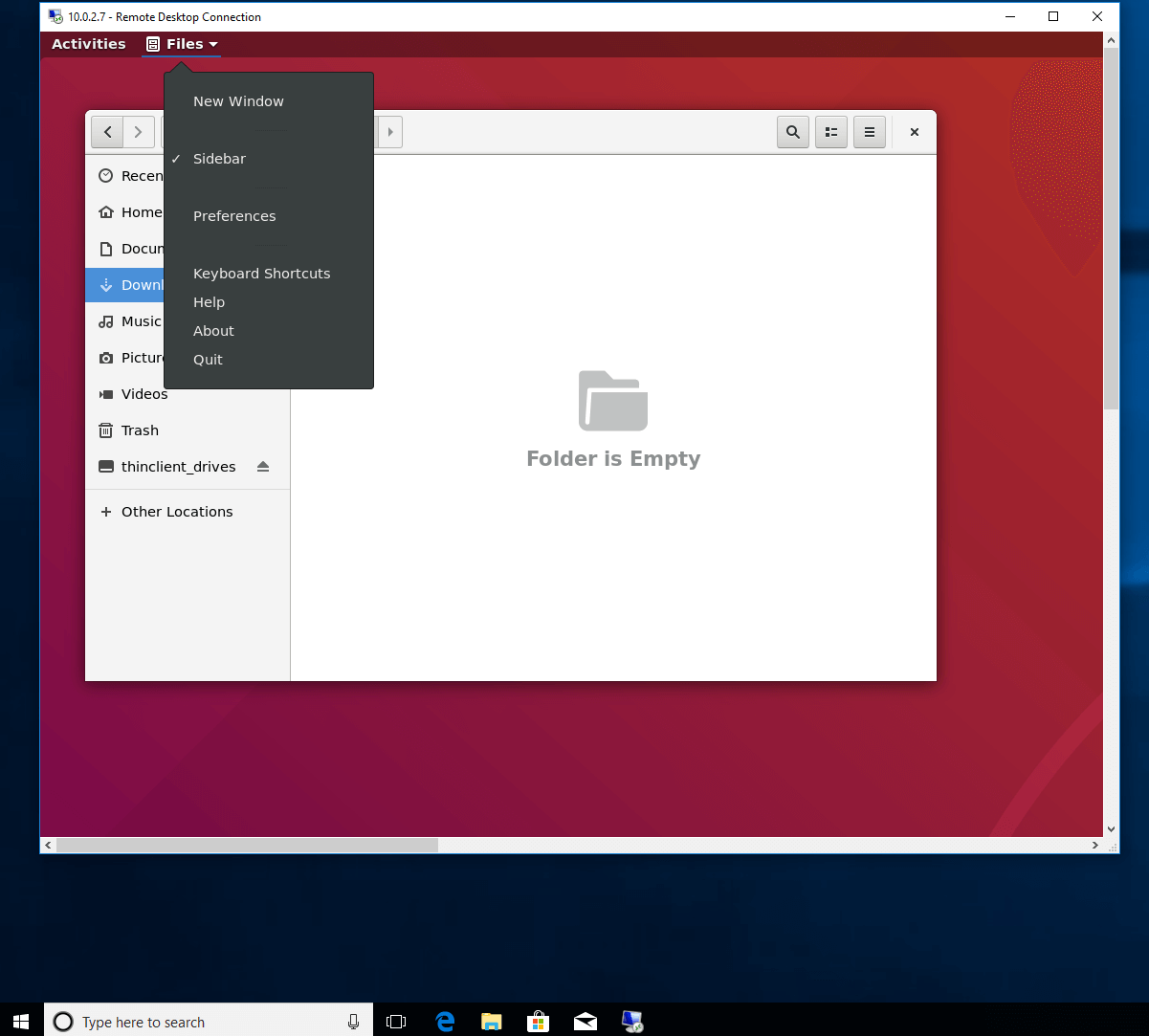
When your accout username and password are confirmed, you should be logon to your Ubuntu machine from Windows… as shown in the image below
That’s it!
You are now connected to your Ubuntu desktop from Windows using Microsoft own remote desktop connection protocol (RDP)… The graphic isn’t great, but good enough to get your work done.
Update
I have read all the comments below… and tried again was successfull… Here’s the trick..
- Make sure you’re not already logged on to the Ubuntu desktop… best thing is to restart and don’t logon
- If you try Xorg session and it quickly disconnect… select the X11rdp from the drop-down list.. it will hang and not fully logon… close the session and try the Xorg session again… that time it will work… but keep prompting you to authenticate… you can cancel the prompt windows…
- Restart again if step two doesn’t work right away..
Enjoy!
[출처] https://websiteforstudents.com/connect-to-ubuntu-16-04-17-10-18-04-desktop-via-remote-desktop-connection-rdp-with-xrdp/


