
- 전체
- 게임 일반 (make game basics)
- 모바일 기획 및 디자인
- GameMaker Studio
- Unity3D
- Cocos2D
- 3D Engine OGRE
- 3D Engine irrlicht
- copperCube
- corona SDK
- Windows Basic Game
- BaaS (Mobile Backend)
- phnegap & cordova
- ionic & anguler
- parse (backend)
- firebase (backend)
- Game Backend Server / Opt
- web assembly
- Smart Makers
- pyGame & Ren'Py
- 머드(MUD) 게임 만들기
- Xamarin(자마린)
- flutter (플루터 앱 개발)
- construct 2 / 3
- pocketbase
- RPG Maker 시리즈
- godot engine
- playmaker(unity)
- react native
[flutter (플루터 앱 개발)] Flutter Canvas 그리기 예제 - (1) 배경 색상 그리기
Canvas 사용하기
Flutter에서 Canvas를 사용하기 위해서는 CustomPainter라는 위젯을 상속받아 구현해야 합니다. 그리고 void paint(...) 함수와 bool shouldRepaint(...) 함수를 오버라이드해서 구현해주면 됩니다.
BackgroundPainter 클래스
class BackgroundPainter extends CustomPainter {
  @override
  void paint(Canvas canvas, Size size) {
    var background = Paint()
      ..style = PaintingStyle.fill
      ..color = Colors.lime
      ..isAntiAlias = true;

    Rect rect = Rect.fromLTWH(0, 0, size.width, size.height);
    canvas.drawRect(rect, background);
  }

  @override
  bool shouldRepaint(CustomPainter oldDelegate) => false;
}
void paint(Canvas canvas, Size size) 메소드의 인자로 넘어오는 size는 현재 CustomPainter의 크기가 들어옵니다.
EmptyPage 클래스
그리고 위에서 구현한 BackgroundPainter를 화면에 그리기 위해서는 다음과 같이 CustomPainter의 paint 속성에 위에서 만든 객체를 배치하면 됩니다.
class EmptyPage extends StatelessWidget {
  const EmptyPage({Key key}) : super(key: key);

  @override
  Widget build(BuildContext context) {
    return Scaffold(
      body: CustomPaint(
        child: Container(),
        painter: BackgroundPainter(),
      ),
    );
  }
}
여기서 주의할 점은 CustomPaint 속성 중 child: Container()를 지정해주어야 BackgroundPainter 클래스의 void paint(Canvas canvas, Size size) 함수 인자인 size 크기가 전달됩니다. 만약 child 속성이 없다면 size는 (0, 0)이 됩니다.
전체 코드
import 'package:flutter/material.dart';

class EmptyPage extends StatelessWidget {
  const EmptyPage({Key key}) : super(key: key);

  @override
  Widget build(BuildContext context) {
    return Scaffold(
      body: CustomPaint(
        child: Container(),
        painter: BackgroundPainter(),
      ),
    );
  }
}

class BackgroundPainter extends CustomPainter {
  @override
  void paint(Canvas canvas, Size size) {
    var background = Paint()
      ..style = PaintingStyle.fill
      ..color = Colors.lime
      ..isAntiAlias = true;

    Rect rect = Rect.fromLTWH(0, 0, size.width, size.height);
    canvas.drawRect(rect, background);
  }

  @override
  bool shouldRepaint(CustomPainter oldDelegate) => false;
}
main.dart
</pre class=”prettyprint”> import ‘package:flutter/material.dart’;
import ‘canvas/01_background_color.dart’;
void main() { runApp(MyApp()); }


class MyApp extends StatelessWidget { @override Widget build(BuildContext context) { return MaterialApp( title: ‘Flutter Demo’, debugShowCheckedModeBanner: false, theme: ThemeData( primarySwatch: Colors.blue, visualDensity: VisualDensity.adaptivePlatformDensity, ), home: EmptyPage(), ); } } </pre>
실행 화면
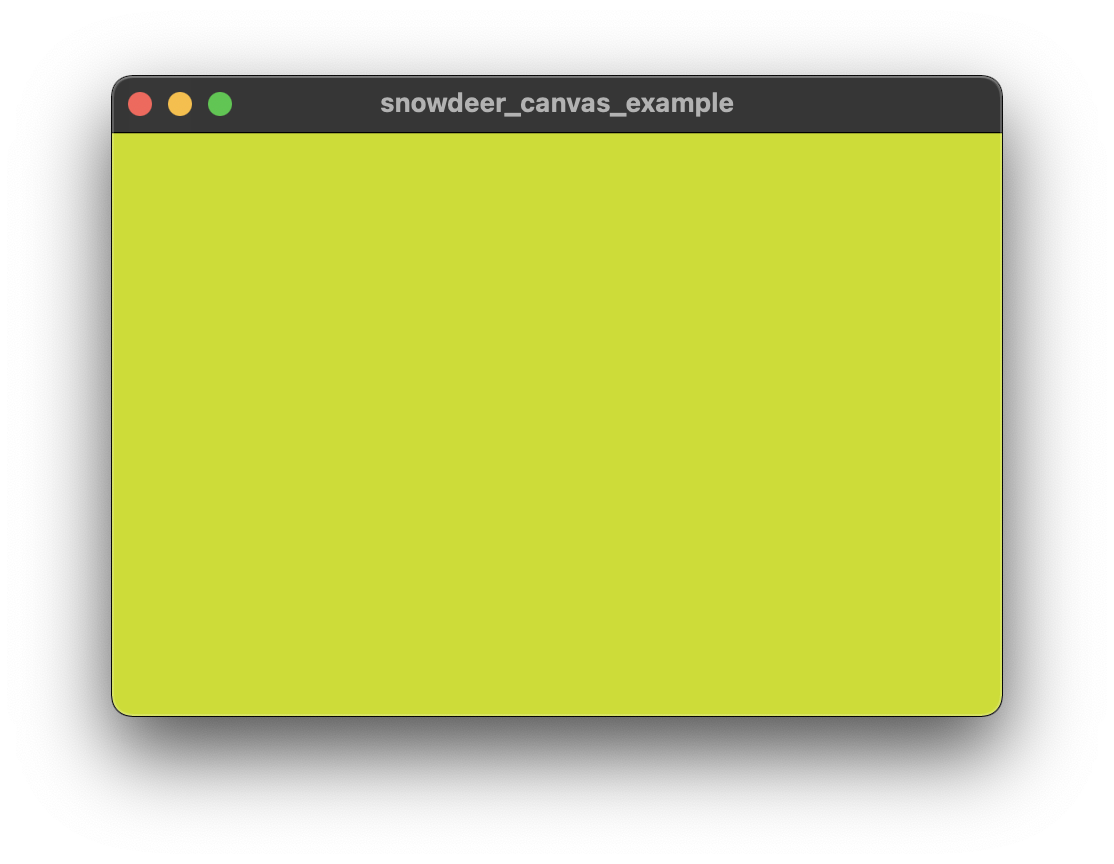
[출처] https://snowdeer.github.io/flutter/2021/12/28/flutter-custom-painter-example-01/
광고 클릭에서 발생하는 수익금은 모두 웹사이트 서버의 유지 및 관리, 그리고 기술 콘텐츠 향상을 위해 쓰여집니다.
